How to save your Oura data before Oura drops Android 11 on Dec. 8 (request the export by Saturday)
Oura ends Android 11 support Dec. 8 and warns your history may not carry over. Check your phone, update, back up and export in time.

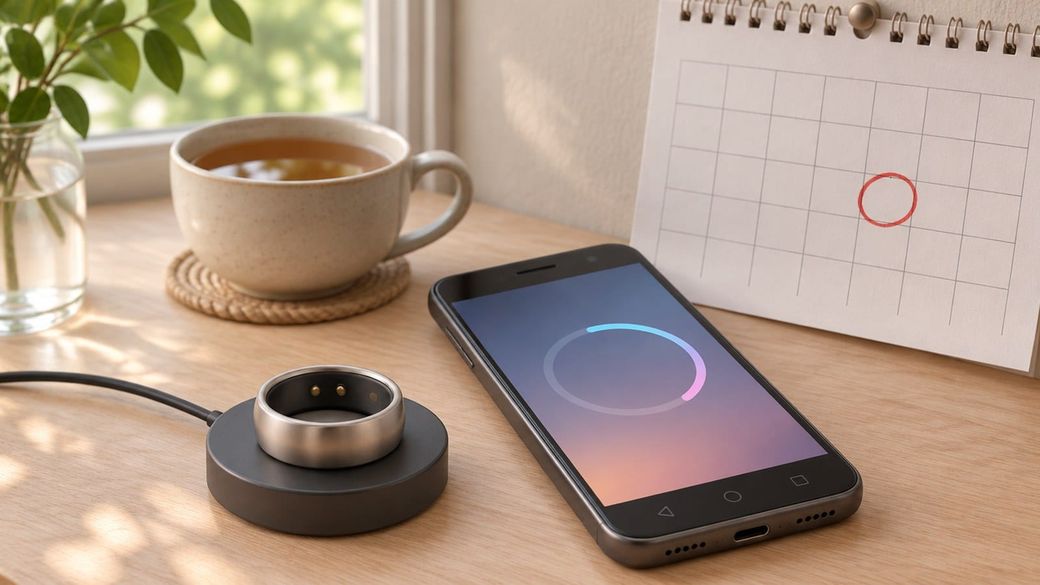
Oura will stop supporting Android 11 on Dec. 8, 2026, with an unusual warning: stay on Android 11 and update your phone later, and "your historical Oura data will not carry over." Here's how to check your phone, update, and back up and export your Oura data first. Every step below was checked against Oura's, Google's and Samsung's own help pages on Nov. 27.
The skim
- The date: Oura's Software Updates for Android page (updated Nov. 24) says Android 11 support ends Dec. 8. Android 12 or newer avoids any "loss of data or features."
- The risk: on Android 11 you "may" keep limited history features; update later and your history won't carry over. Oura hasn't said why.
- The clock: Oura's export can take up to 10 days. Request it by Saturday, Nov. 28 to get the full 10 days before Dec. 8 (our math).
The quick answer: how do I keep my Oura data before Oura drops Android 11?
Open Settings, tap About phone and check the Android version. If it says 11, install Android 12 or newer before Dec. 8 if your phone offers it. Then, in the Oura app, tap Settings and Back up all data, and request a full export in Oura's Membership Hub. If your phone can't update, move Oura to a newer phone before Dec. 8.
Who is affected by Oura's Android 11 cutoff?
Only members whose phone runs Android 11. iPhones still need iOS 16 or later, unchanged. Android 11 is becoming a dead end elsewhere too: Google made it the floor for wired Android Auto this month, as we explained in how to check if your phone still works with Android Auto.
What has Oura said, and what hasn't it said?
| Question | Oura's help pages | Status |
|---|---|---|
| When does support end? | "Oura will drop support for Android 11 on December 8, 2026." | Confirmed |
| If I stay on Android 11? | "You may still be able to use some limited historical Oura App features." | Vague: no list of features |
| If I update after Dec. 8? | "Your historical Oura data will not carry over." | Confirmed; no reason given |
| Is data deleted Dec. 8? | Not stated | Unclear |
| Can an export restore my history? | Export page describes CSV downloads, not re-importing | Not described |
What's the timeline?
| Date | What |
|---|---|
| Oct. 5 | Oura on the Web shut down; data stays in the app and Membership Hub |
| Nov. 24 | Android app 7.33.0; Oura's Android and setup help pages add the Dec. 8 notice |
| Nov. 27 | Android Authority and The Verge report it |
| Nov. 28 | Last day to request an export with the full 10-day window (our math) |
| Dec. 8 | Android 11 support ends |
How do I check my Android version and update?
From Google's Android help and Samsung's U.S. update page. Menu names vary by maker.
- Check: open Settings > About phone and look at Android version. On Samsung, tap About phone > Software information.
- Prepare: Google suggests Wi-Fi and at least 75% battery.
- Update: on Pixel and most phones, Settings > System > Software updates. On Samsung, Settings > Software update (or System updates) > Download and install.
- Confirm: after the restart, About phone should show Android 12 or higher.
How do I back up and export my Oura data?
Do both, even if your update goes fine. Steps from Oura's backup and export guides:
- Back up: charge the ring for a few minutes, open Oura and let it sync. Tap the upper-left menu, Settings, then under Account tap Back up all data.
- Open the Membership Hub: Settings > Account > Manage membership, or sign in at membership.ouraring.com.
- Request: select Export data, then Request your data. It can take up to 10 days.
- Download: Oura emails a reminder; return to the Hub and tap the export.
No paid membership needed: Oura says the export works "with or without active membership," in CSV files. Avoid Delete account and all data in the same menu; it's permanent.
What if my phone can't get Android 12?
Google warns older devices can't always run newer versions. Then the safe route is moving Oura to a phone on Android 12 or newer before Dec. 8, per Oura's transfer guide:
- Charge the ring to at least 50%.
- On the old phone: Oura menu > Settings > Sign out (Oura backs up during sign-out), then remove the ring in Bluetooth settings.
- On the new phone, with the ring on its charger: install Oura, sign in with the same email and connect the ring.
Oura ties data to your account in normal transfers, but hasn't said whether a new phone after Dec. 8 counts as "upgrading later." We'd move before the deadline.
Troubleshooting
- No update offered: Google says update schedules vary by device, maker and carrier, so check again in a day or two.
- No export email: it's only a reminder; check the Hub directly, or use Oura's 24/7 chat.
- "Something went wrong" on a new phone: Oura says remove the ring from the old phone's Bluetooth, uninstall Oura there, then reinstall on the new phone.
What this means for you
Verdict: on Android 11, act this weekend. Update if you can, back up and request the export by Nov. 28. On Android 12 or newer, you can skip this. Weighing a switch? See our Oura vs. RingConn vs. Galaxy Ring comparison. Fitbit scale owners have their own deadline: Aria pairing ends Nov. 28. More guides: our How-To hub.
FAQ
Will I lose my Oura data on Dec. 8?
Oura doesn't say data is deleted. It says Android 11 users may keep limited history features, but updating the phone later means history "will not carry over." Updating before Dec. 8 avoids that.
Does this affect iPhone users?
No. Oura's iPhone requirement stays at iOS 16 or later.
Do I need an Oura membership to export my data?
No. Oura says the Membership Hub export is available to all users, with or without an active membership.
Can I restore my Oura history from an export?
Oura's export page doesn't describe loading an export back into the app. Treat it as your personal copy.
How we checked: Oura help pages Software Updates for Android (updated Nov. 24, 2026), Set Up an Oura Ring (Nov. 24), Oura Membership (Nov. 26), Export & Share Your Oura Data, How to Back Up Your Data and Transfer Your Oura Data to a New Phone; Google Android Help 7680439; Samsung U.S. support TSG10005233; all read 1:30–1:45 p.m. MT, Nov. 27, 2026. We didn't test these steps on an Android 11 phone; Oura may update its guidance before Dec. 8.