How to check if your phone still works with Android Auto now that Android 11 is required
Google now lists Android 11 as the minimum for wired Android Auto. How to check your phone's version, what else you need and what to do next.

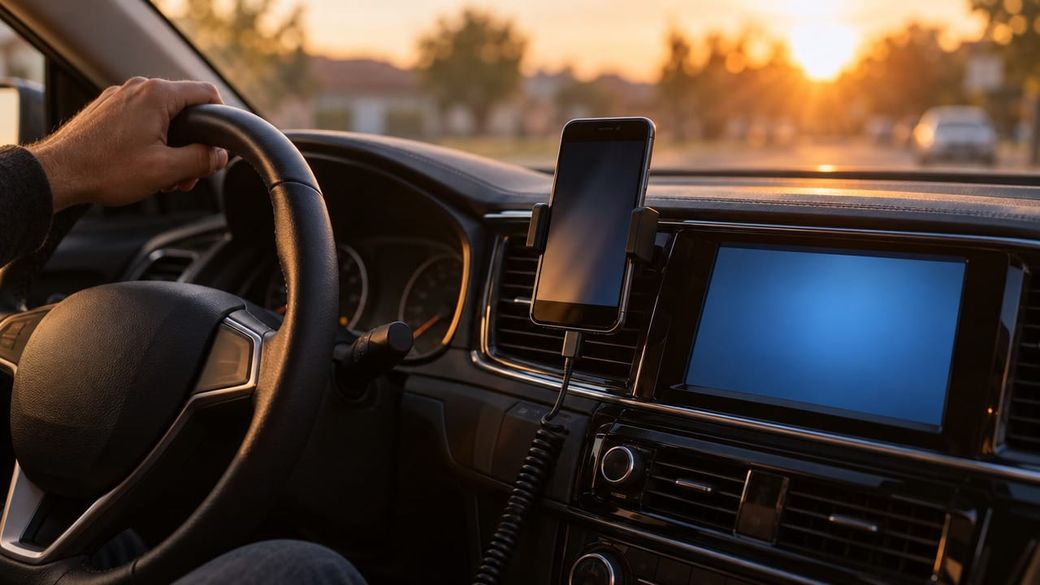
Quick answer: open Settings on your phone, tap About phone and look at Android version. If it says 11 or higher, your phone meets Google's new minimum for Android Auto. If it says 9 or 10, check for a system update first. Google's Android Auto help page now lists "Android 11.0 (Red Velvet Cake) or higher and an active data plan" as a requirement for wired connections.
The skim
- Google's "Get started with Android Auto" page now requires Android 11 or newer for wired (USB) Android Auto. 9to5Google and Android Central report that the page used to allow older versions, including Android 9 and 10.
- 9to5Google says some drivers started seeing a "Phone will no longer be supported" message in October 2026, and that the latest app, Android Auto 18.1, still supports Android 10. So some older phones may keep working for now, without official support.
- Wireless Android Auto already needed Android 11. Google says it also needs a phone with 5GHz Wi-Fi.
What you need for Android Auto now
From Google's Android Auto help page (read Nov. 9):
- Wired (USB): an Android phone with Android 11.0 or higher and an active data plan, a compatible car or stereo, and a high-quality USB cable.
- Wireless: a compatible Android phone with an active data plan and 5GHz Wi-Fi support (Google says wireless projection works with any phone on Android 11.0), plus a car or stereo that supports wireless Android Auto.
- Not supported: phones running Android (Go edition).
Google also notes that Android Auto is built into phones, so you don't need to download it.
How to check if your phone still works with Android Auto
- Find your Android version. Open the Settings app, tap About phone and then Android version, per Google's Android Help. Menu names can vary by phone maker. If you can't find it, search Settings for "Android version."
- If it says 11 or higher, you're covered. Your phone meets the new minimum. Keep reading only if Android Auto still won't connect.
- If it says 9 or 10, look for an update. Google's steps are Settings > System > Software updates, then follow the on-screen instructions. Google says to connect to Wi-Fi and charge to at least 75% before updating. Many phones that shipped with Android 9 or 10 never got Android 11, so there may be nothing to install.
- Check the rest of the list. Confirm your phone has an active data plan, your car is compatible (Google says to ask your dealer or carmaker if you're not sure) and you're using a good USB cable. For wireless, your phone also needs 5GHz Wi-Fi.
- Connect with the car in park. Google says to put the car in park with the infotainment system on, plug the USB cable into the car and your phone, and follow the on-screen setup. Your phone may ask you to update Android Auto before continuing.
Caveats
- Enforcement isn't uniform yet. 9to5Google says Android Auto 18.1 still supports Android 10, and Android Central cites a Galaxy Note 9 owner on Reddit who sees the warning every time but says Android Auto still works. That could change with a future update, and Google hasn't published a cutoff date.
- Rolling back probably won't help. Android Central says one Galaxy S9 owner reported that installing much older Android Auto versions didn't get around the block. We don't recommend sideloading old APKs.
- Older Android versions have other risks. As Android Central points out, older Android versions that no longer get security patches can leave you exposed. Here's how to check your Android security update.
Troubleshooting
- "Phone will no longer be supported" message: your phone is below the new minimum. Check for a system update (step 3). If there isn't one, Android Auto may stop working on that phone at some point.
- On Android 11 or later but it won't connect: try a different, high-quality USB cable, confirm your car supports Android Auto and make sure the car is in park during setup. Samsung Galaxy owners on One UI 9 may also be dealing with the recent Android Auto connection problems.
- Wireless won't start: Google says to keep Bluetooth, Wi-Fi and Location turned on during setup and to pair the phone with the car over Bluetooth first.
FAQ
Does this affect wireless Android Auto? Not really. Google already listed Android 11 for wireless. The change mostly affects wired USB users on Android 9 and 10.
Do I need a new phone? Only if your phone can't be updated to Android 11 or later. Android Central reports that some drivers are using a cheaper, newer phone just for the car.
Do I need to download the Android Auto app? No. Google says Android Auto is built into phones, though your phone may prompt you to update it.
Sources: Google: Get started with Android Auto (read Nov. 9), Google: Set up Android Auto, Google: Check & update your Android version, 9to5Google (Nov. 9), Android Central (Nov. 9). Steps come from Google's documentation; we haven't tested specific phones.