If you just set up Apple HomeView, check for software 27.2 first
HomeView Software 27.2, out Nov. 12, patches the same iMessage and Bluetooth flaws as iOS 27.2.1. How to check and install it, and why it matters.

The skim
Apple released HomeView Software Version 27.2 on Nov. 12, the day before the display went on sale. The update patches the same iMessage and Bluetooth flaws Apple fixed in iOS 27.2.1. Updates install automatically by default, but you should still open Software Update and confirm you're on 27.2 before you use Messages on the screen.
What is HomeView Software 27.2?
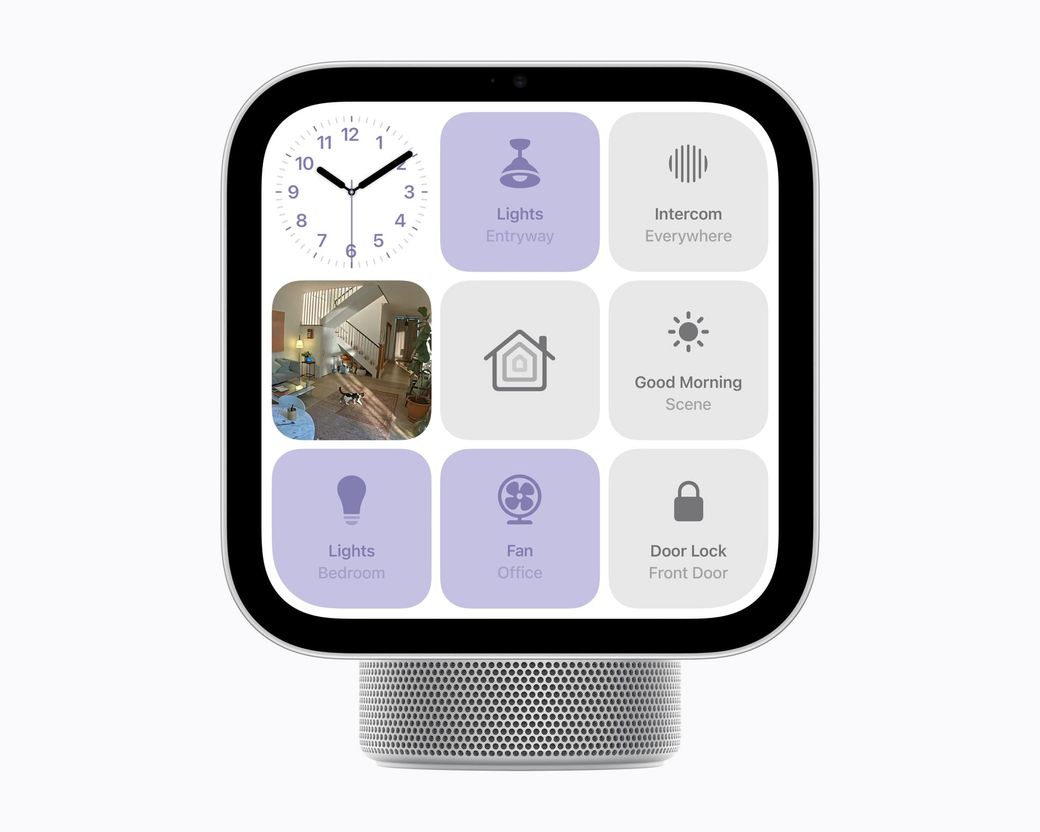
HomeView Software Version 27.2 is the software that runs Apple's new 7-inch home display. Apple published a security advisory for 27.2 on Nov. 12, 2026, the day before HomeView went on sale for $299.
As of Nov. 15, 2026, 27.2 is the only HomeView release on Apple's security updates list. Apple also describes 27.2 as the software that brings Siri AI, Messages, FaceTime and home controls to both the tabletop and wall-mounted models, in its HomeView software notes.
We can't see what build shipped inside every box. What we can say is this: Apple's update guide says HomeView "automatically installs software updates by default." If you set yours up this weekend, open Software Update anyway and confirm you're on 27.2, especially if you turned automatic updates off.
What security flaws does HomeView 27.2 fix?
Apple's advisory lists nine issues. The CVE IDs and impact wording match the ones Apple published three days earlier for iOS 27.2.1 and iPadOS 27.2.1. Here they are, in Apple's words, from the HomeView 27.2 security note (checked Nov. 15, 2026):
| Component | CVE | What Apple says it could allow |
|---|---|---|
| Messages | CVE-2026-113961 | A remote attacker may be able to join an iMessage group chat and receive its messages |
| Messages | CVE-2026-113960 | A user added to an iMessage group may be able to access messages sent before they joined |
| CoreUtils | CVE-2026-113964 | An attacker in Bluetooth range may be able to bypass the rate limit on pairing code attempts and pair with a device without user interaction |
| CoreUtils | CVE-2026-113965 | A malicious Bluetooth device may be able to establish a pairing without user interaction |
| Bluetooth | CVE-2026-113970 | An attacker in Bluetooth range may be able to corrupt process memory |
| AirPlay | CVE-2026-113968 | An attacker in Bluetooth range may be able to bypass the rate limit on pairing code attempts |
| rapportd | CVE-2026-113969 | An attacker on the same network may be able to bypass the rate limit on AirPlay pairing code attempts |
| App Intents | CVE-2026-113963 | An app may be able to access sensitive user data |
| brotli | CVE-2026-111497 | Processing maliciously crafted input may lead to memory corruption |
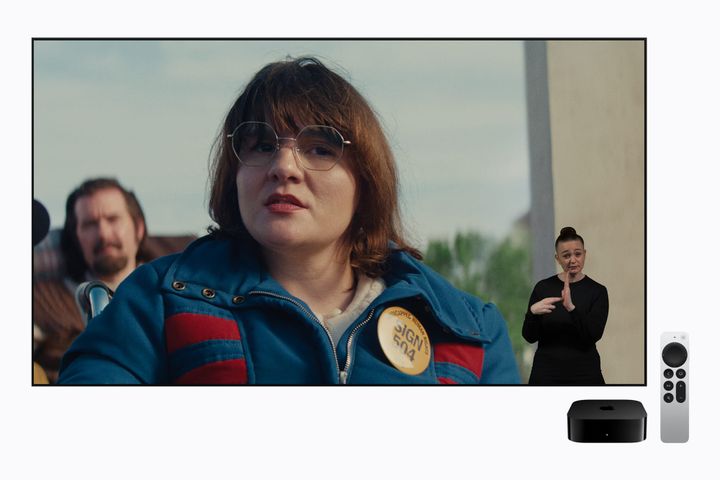
The Messages bugs are the ones to take seriously on this device. HomeView can show a recognized person's Messages on a screen that sits in the kitchen or living room. Apple's software notes say personal content such as Messages is meant to appear only when that person is recognized, and their recently unlocked iPhone or iPad is present. A flaw that lets a remote attacker join a group chat still matters on a shared family display.
The Bluetooth pairing bugs matter for a different reason. HomeView is designed to sit out in the open. "In Bluetooth range" can mean a hallway, a sidewalk, or the apartment next door, not only someone standing in your kitchen. Apple does not say these flaws were exploited, and we have not tested them.
How do I update Apple HomeView to software 27.2?
You can update from the Home app on your iPhone or iPad, or in Settings on HomeView itself. These steps are from Apple's Update Apple HomeView page, checked Nov. 15, 2026. Keep the display plugged in until the update finishes.
Update from the Home app on your iPhone or iPad
- Update your iPhone to iOS 27.2 or later, or your iPad to iPadOS 27.2 or later. The latest versions as of Nov. 15 are iOS 27.2.1 and iPadOS 27.2.1, per Apple's security releases list. If you need help, see our iPhone update guide.
- Open the Home app.
- Tap the More button, then tap Home Settings.
- Tap Software Update.
- If there's an update, tap Update Now. You can also tap Automatic Updates to turn them on or off.
- Keep HomeView connected and plugged into power until the update completes.
Update in Settings on HomeView
- Open the Settings app.
- Tap System.
- Tap Software Update.
- If there's an update, tap Update Software, then tap Download and Install when ready. You can also tap Automatic Updates to turn them on or off.
- Keep HomeView connected and plugged into power until the update completes.
If Software Update says you're up to date, you're on the latest HomeView software Apple is shipping. That's 27.2 as of our Nov. 15 check. Leave Automatic Updates turned on so you don't have to hunt for the next one.
Do I also need to update my iPhone?
Yes. Apple's HomeView update steps start with updating the paired iPhone or iPad to iOS 27.2 or iPadOS 27.2 or later. That's also the software HomeView needs to work, which we noted in our HomeView reviews roundup.
Go one step further and install iOS 27.2.1 if you haven't already. Apple's iOS 27.2.1 security note assigns the same nine CVE IDs, with the same impact wording, as the HomeView 27.2 advisory. Updating the display but leaving the phone on 27.2 would leave those Messages and Bluetooth fixes unfinished on the device that actually holds your chats.
Our take: what should you do?
- Do this now if you just set up a HomeView: open Software Update and confirm you're on 27.2. Then check that the paired iPhone or iPad is on 27.2.1. Leave automatic updates on.
- Do this today even if setup was a few days ago. Automatic updates are the default, but they only help if the display stayed plugged in and connected. A 30-second check is cheaper than guessing.
- Don't return the display over this. Apple published the fixes the day before sales started. This is a reason to finish setup, not a reason to pack it back up. For whether HomeView is the right $299 screen for your house, see our buy/wait/skip review.
More security how-tos live in our security coverage.
FAQ
How do I update Apple HomeView to software 27.2?
On the display, go to Settings, then System, then Software Update, and install 27.2 if it's offered. Or, on a paired iPhone or iPad running iOS 27.2 or later, open the Home app, tap More, then Home Settings, then Software Update, then Update Now. Keep HomeView plugged in until it finishes. Apple turns automatic updates on by default.
Does a new Apple HomeView already have the 27.2 update?
We can't see the build inside every box. HomeView Software 27.2, released Nov. 12, is the only HomeView version on Apple's security updates list as of Nov. 15, 2026, and Apple says updates install automatically by default. Open Software Update and confirm you're on 27.2 rather than assuming.
What does HomeView Software 27.2 fix?
Apple's Nov. 12 advisory lists nine issues, including iMessage group-chat authorization bugs and Bluetooth pairing flaws. The CVE IDs and impact wording match the iOS 27.2.1 security note published Nov. 9. Apple has not said these flaws were exploited.
Do I need to update my iPhone too?
Yes. Apple's instructions start with updating the paired iPhone or iPad to iOS 27.2 or iPadOS 27.2 or later. Install 27.2.1 if it's available. That release patches the same CVE IDs as HomeView 27.2, and HomeView needs iOS 27.2 or later to work.
Are Apple HomeView updates automatic?
Yes. Apple says HomeView automatically installs software updates by default. You can turn Automatic Updates on or off in Software Update, either on the display or in the Home app. Leave it on, and still check once after you set the device up.
Skimwire has not tested Apple HomeView or reproduced these vulnerabilities. The flaws, dates, steps and version list come from Apple's support pages, checked Nov. 15, 2026. This article has no affiliate links.