How to update your iPhone to the latest iOS version (and turn on automatic updates)
Go to Settings > General > Software Update and tap Download and Install. Plus automatic updates and fixes when it won't work.

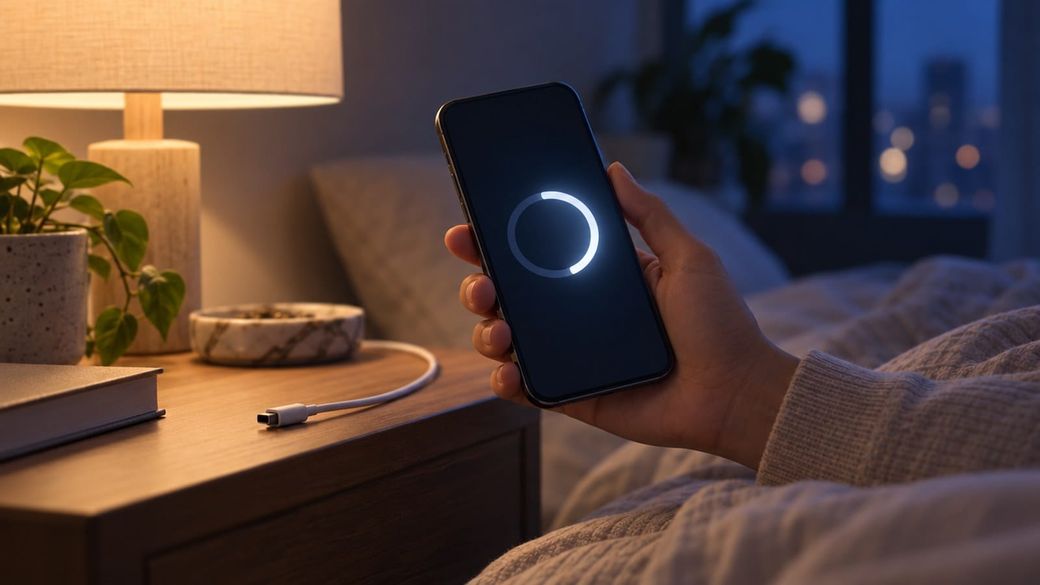
Quick answer: Back up your iPhone, plug it in and connect to Wi-Fi, then go to Settings > General > Software Update and tap Download and Install. To never fall behind, turn on Automatic Updates in the same menu.
The skim
- The update lives at Settings > General > Software Update, which also shows the iOS version you have now.
- Turn on Automatically Install so your iPhone installs updates overnight while it's charging and on Wi-Fi.
- Updating matters right now: a new hacking campaign hit iPhones that weren't updated, and researchers say updated phones are safe.
Before you start
- Check your model. iOS 27 runs on iPhone 11 and later, plus iPhone SE (2nd generation) and iPhone SE (3rd generation), according to Apple's iPhone User Guide. Older iPhones still get the newest version they support from the same menu.
- Check your current version. Go to Settings > General > About. The latest release as of this writing is iOS 27.2, per Apple's iOS 27 release notes.
- Back up first. Apple recommends backing up with iCloud or your computer before you update.
How to update your iPhone
- Back up your iPhone using iCloud or your computer.
- Plug your iPhone into power and connect to the internet with Wi-Fi.
- Open Settings.
- Tap General.
- Tap Software Update. You'll see the version of iOS that's installed now and whether an update is available.
- If an update is available, tap Download and Install, then follow the onscreen instructions. Enter your passcode if asked.
Keep the phone plugged in and on Wi-Fi until the install finishes.
How to turn on automatic updates
- Open Settings and tap General.
- Tap Software Update, then tap Automatic Updates.
- Turn on Automatically Install.
With Automatically Install on, your iPhone downloads and installs updates overnight while it's charging and connected to Wi-Fi, and Apple says you're notified before it installs one. If you'd rather choose when to install, turn off Automatically Install and turn on Automatically Download instead. Updates then download in the background so you can install them later.
Apple calls keeping your software up to date "one of the most important things you can do to maintain your Apple product's security."
Optional: system file updates
Your iPhone can also get smaller system file updates that improve features without changing the iOS version. If you turned off Automatically Install, go to Settings > General > Software Update > Automatic Updates and, under System Files, turn on Automatically Install.
Troubleshooting
- The update doesn't appear. Make sure your model supports it (see above). Apple says some software updates aren't available wirelessly, and you can update with a Mac or a Windows PC instead.
- You get an alert or the check fails. Apple notes that VPN or proxy connections might prevent your iPhone from contacting the update servers. Turn them off and try again.
- Not enough space. If a message asks to temporarily remove apps, tap Continue. Apple says those apps are automatically reinstalled after the update. Or tap Cancel and delete content yourself. You can also free space in Settings > General > iPhone Storage.
Using Android too?
The same campaign targeted Chrome on Android. Open the Play Store, tap your profile icon, tap Manage apps & device, find Chrome and tap Update, per Google's Chrome help page. Then check your system update with our guide: How to check your Android security update.
FAQ
Will updating erase my photos or apps?
A normal software update is designed to keep your data and apps. Apple still lists a backup as step one, so you're covered if something goes wrong.
Should I restart my phone after updating?
It doesn't hurt. Researchers at Sekoia say the "Poisoned Source" malware doesn't survive a reboot, so restarting an older phone is a good extra step while you update it.
What if my iPhone can't run iOS 27?
Go to Settings > General > Software Update anyway. It offers the latest software compatible with your model.
Sources: Apple Support: Update your iPhone or iPad, Apple iPhone User Guide, Apple: About iOS 27 Updates, Google Chrome Help.