YouTube's redesign moves Subscriptions into the Home tab. Here's where to find it
The Subscriptions tab is gone from YouTube's bottom bar. Tap Home, then Subs at the top. Plus the new Live, Music and custom feeds.

The skim
- YouTube's biggest mobile app redesign in about a decade is now rolling out on Android and iOS, and the Subscriptions tab is gone from the bottom bar.
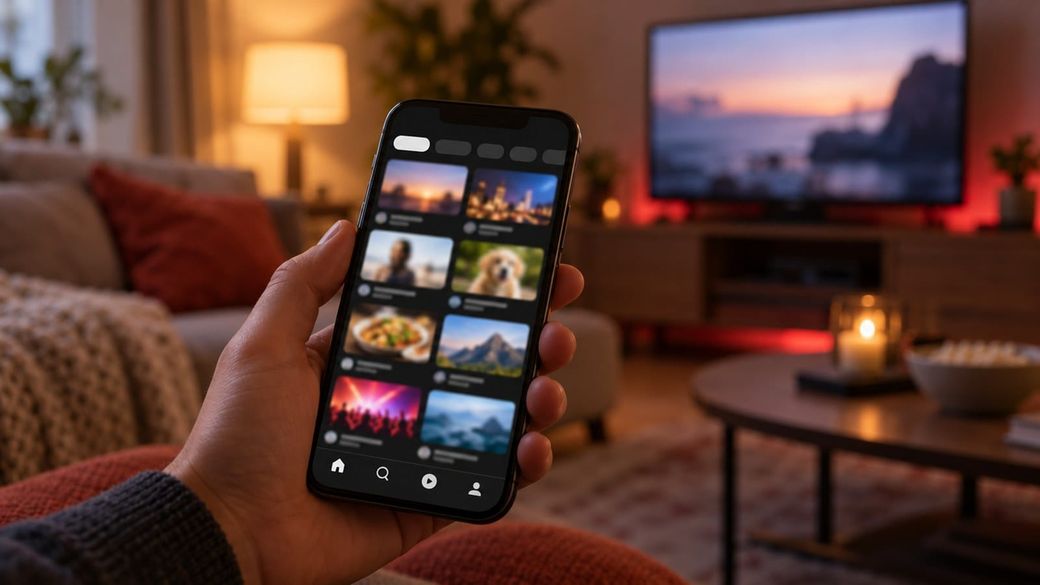
- Your subscriptions didn't disappear. Tap Home, then tap Subs, the second option in the row at the top of the screen.
- The new top row also adds Live, Music and Movies & TV feeds, and US users can build AI "custom feeds" by describing what they want to watch.
What happened
YouTube announced the change on Oct. 22 in a TeamYouTube Help Community post: "Your Subs feed is moving to the top bar on the Home tab." This week it started showing up widely. 9to5Google reports it's live on Android and reaching many iPhone users too, apparently through a server-side switch rather than an app update, so you may get it without updating.
Subscriptions had held a spot in YouTube's bottom bar since 2017, per 9to5Google. The new layout puts the focus on Shorts and creating videos, and it drops the old navigation drawer.
Where everything went
- Subscriptions: now called Subs. Open the YouTube app, tap Home, then tap Subs in the top row, right after Home.
- New feeds: Live, Music, and Movies & TV sit in the same top row. Movies & TV only appears if you have active paid content, such as Primetime Channels.
- Custom feeds: tap + at the top of your Home feed and describe what you want, like "guided meditations under 10 minutes." Free users can save up to 3 custom feeds, YouTube Premium members up to 8, and they sync to desktop. For now this is limited to signed-in US viewers 13 and older using English, with search history turned on.
Why it matters
For a lot of people, the Subscriptions tab was the whole point of the app: a list of new videos from channels they chose, instead of whatever the algorithm suggests. Moving it inside Home adds a tap and breaks years of muscle memory, and early reactions are harsh. 9to5Google rounded up user reactions calling it "sloppy" and "disgusting," and replies under YouTube's own announcement include requests to change it back.
Functionally, your Subs feed still works the same way once you find it. The bigger shift is what YouTube now puts first: recommendations, Shorts and the Create button. If you're a creator, it's another sign that the Home feed and Shorts, not the Subscriptions list, are where viewers will find you.
What's next
YouTube calls this the start of "a series of updates" to the Home experience and hasn't given a schedule for when every user gets the new layout. If you still see the old bottom bar, expect the change soon. YouTube is asking for feedback in the comments of its announcement post.
Sources: TeamYouTube (YouTube Help Community), 9to5Google, 9to5Google (Oct. 22), Digital Trends.