How to set up sleep apnea detection on a Galaxy Watch or Galaxy Ring
Open Samsung Health Monitor, tap Sleep apnea > Get started, then sleep two nights with your watch or ring. Steps, fit tips and fixes.

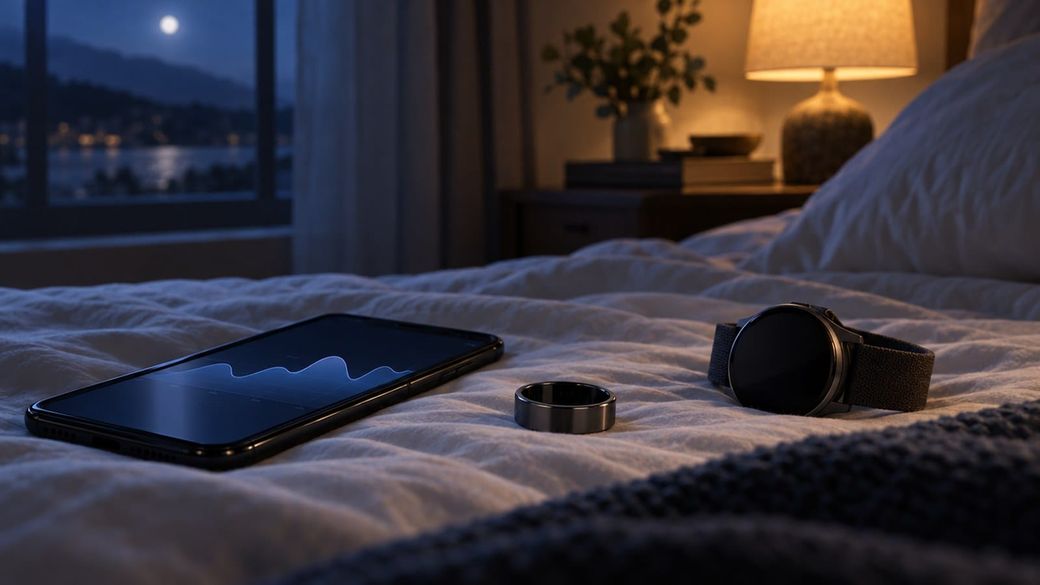
Quick answer: On your Galaxy phone, open the Samsung Health Monitor app, select the Sleep apnea tab and tap Get started. Answer the health questions, toggle the feature On, then select Set on watch to allow the sensor permission. Wear your Galaxy Watch or Galaxy Ring to bed for two nights with at least five hours of sleep each, and your result shows up in the same tab.
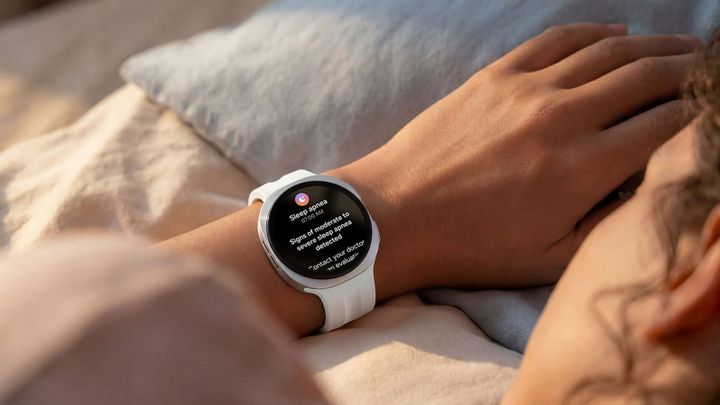
Samsung just brought its upgraded, FDA-cleared sleep apnea detection to the Galaxy Ring and the Galaxy Watch9. The steps below follow Samsung's official U.S. support guide.
Before you start: what you need
- A supported wearable: Galaxy Ring, or Galaxy Watch9 running Wear OS 7.0 or later. Samsung says Galaxy Watch7 and Watch8 get the upgraded version in a future software update, and its support page says that update reaches compatible devices during November 2026.
- A Galaxy phone running Android 12 or later, with the Samsung Health Monitor app (get it from the Galaxy Store).
- Eligibility: you must be 18 or older and not already diagnosed with sleep apnea. Samsung also says not to use it if you've been diagnosed with conditions such as atrial fibrillation, congestive heart failure, COPD or Parkinson's.
- Updated software. Open Galaxy Wearable, tap Watch settings or Ring settings, then Software update > Download and install.
How to turn on sleep apnea detection
- Open the Galaxy Wearable app on your phone and confirm your watch or ring is connected.
- Open the Samsung Health Monitor app on your phone or watch. If prompted, download or update it from the Galaxy Store.
- Select the Sleep apnea tab, then tap Get started to begin the questionnaire.
- Answer the health questions and tap Next.
- If the app says the feature is appropriate for you, tap Next to start setup, then tap Next through the overview screens.
- Tap Done to connect your wearable. If you have more than one, pick the one you'll sleep in.
- Toggle On the Sleep apnea switch.
- Select Set on watch and allow the sensor permission on your watch, then tap OK to finish.
How to wear it for accurate readings
- Watch: wear it 1 to 2 inches above your wrist bone, toward your elbow. Samsung says higher in that range is more accurate. Keep the strap snug so the watch doesn't slide around, and keep the sensor clean and dry.
- Ring: make sure it's neither too tight nor too loose, with the orientation indicator facing your palm. If you can't get a reading, move it to a thicker finger.
How to get your result
- Sleep with the device for two successful nights of at least five hours each, within 10 days.
- After the second night, open Samsung Health Monitor on your phone.
- Tap Sleep apnea to see your evaluation. The upgraded version also shows the level of breathing disruptions it detected.
The feature turns itself off once it gives you a result, or after 10 days, whichever comes first. It's a periodic check, not something that runs every night. Galaxy Ring stores only a few days of data, so sync your ring with your phone regularly.
Troubleshooting
- Can't activate it: check that the feature is approved in your country, and make sure your phone has an active cellular connection when you set up Samsung Health Monitor.
- Wearable not listed: update the ring or watch software through Galaxy Wearable, and keep it connected during the update. Samsung says older watch software may only support the previous version of the feature.
- No result in the app: make sure the device is paired over Bluetooth, then swipe down on the main Samsung Health Monitor screen to sync manually.
- Not enough storage: the watch needs at least 10MB free. Clear space in Settings > Storage on the watch.
- Not enough data: sleep at least five hours, wear the watch higher on your arm, and keep the sensors away from tattoos, scars or dense hair.
FAQ
Does it diagnose sleep apnea?
No. Samsung calls it a pre-diagnosis tool that looks for signs of moderate to severe sleep apnea. If it detects signs, share the result with a doctor or sleep specialist. A negative result doesn't rule sleep apnea out, so see a doctor if you still snore loudly, gasp at night or feel exhausted during the day.
Does it work with an iPhone or a non-Samsung Android phone?
No. Samsung's support page lists a Galaxy phone running Android 12 or later as a requirement.
Can I change my medication based on the result?
No. Samsung says not to change the dose or schedule of any medication without talking to your doctor first.
How do I delete the data?
On your phone, go to Settings > Apps > Health Monitor > Storage > Clear data. That resets the app. Samsung says sleep apnea data is stored only on your devices.
Source: Samsung U.S. Support: Use the sleep apnea monitoring feature with a Galaxy Watch or Ring; Samsung announcement, Nov. 3, 2026.