How to update your Galaxy Watch to One UI 9 Watch (Wear OS 7)
Stable One UI 9 Watch is rolling out to Galaxy Watch 8 and 8 Classic, Korea first. How to check for it and install it, per Samsung.

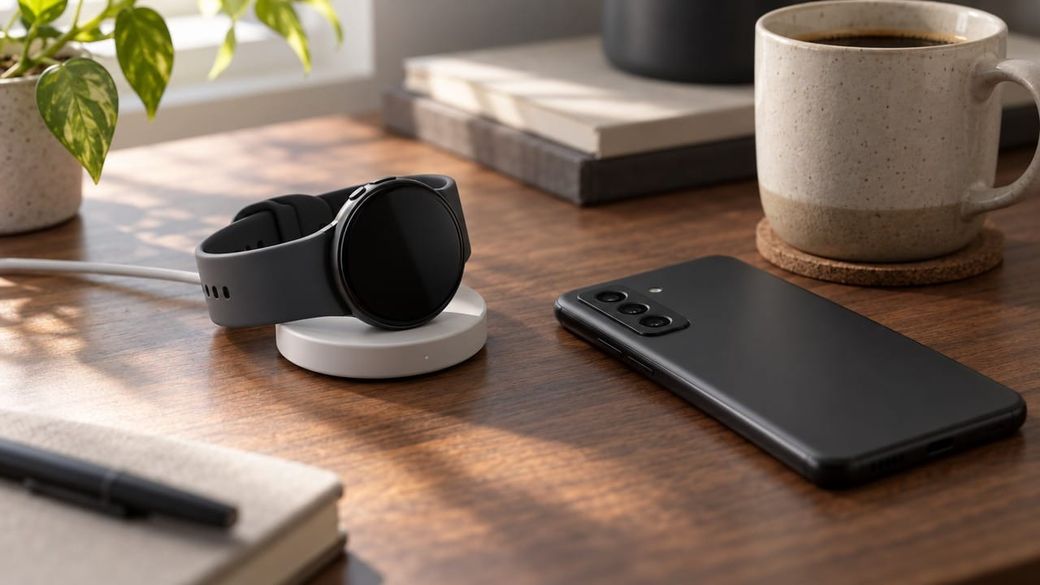
Quick answer: charge your Galaxy Watch to at least 30%. Then open the Galaxy Wearable app on the paired Android phone and tap Watch settings > Watch software update > Download and install. You can also check from the watch itself: Settings > Software update. As of Nov. 9, the stable One UI 9 Watch update for the Galaxy Watch 8 and Watch 8 Classic is rolling out in South Korea first, so it may not show up for you yet.
The skim
- SamMobile and Android Authority report that Samsung has started rolling out stable One UI 9 Watch, based on Wear OS 7, to the Galaxy Watch 8 and Watch 8 Classic. It's reaching South Korea first, for both beta and non-beta watches.
- Android Authority reports a download of about 2GB that includes the Oct. 5, 2026 security patch. Samsung hasn't announced dates for other countries.
- The update steps below come from Samsung's US support page. The watch needs at least a 30% charge, and Wear OS models have to stay paired with a compatible Android phone.
What's rolling out
Samsung started the One UI 9 Watch beta for the Galaxy Watch 8 series in August. According to SamMobile, after six beta versions the company has ended the beta and begun the stable rollout in South Korea. Android Authority reports firmware L320XXU2BZJ7/L320OXM2BZJ7 for the Watch 8 and says the same build is reaching the Watch 8 Classic. It adds that the Galaxy Watch 9 and Watch Ultra 2 already shipped with One UI 9 Watch.
Samsung hasn't published a full changelog for the stable release. Android Authority says the betas added a redesigned interface, more watch face customization, cardio load tracking, sleep vitals monitoring, better workout controls, more camera remote modes and more flexible Trackback navigation. Those are beta features, so the final release could differ by model or region. Going by Samsung's past rollouts, SamMobile expects other countries to get the update "over the next few days," but Samsung hasn't confirmed a US date.
How to update your Galaxy Watch with the Galaxy Wearable app
- Charge the watch. Samsung says you may not be able to update without at least a 30% charge. This download is large (about 2GB, per Android Authority), so it's simplest to leave the watch on its charger.
- Open Galaxy Wearable on the Android phone the watch is connected to.
- Tap Watch settings, then Watch software update. On some watches that show a Home tab, swipe to Watch software update instead.
- Tap Download and install. If an update is available, it will download and install.
- Wait for the reboot. Samsung says the watch reboots during the update and shows a progress bar or rotating animation.
How to check from the watch
- On the Galaxy Watch, open Settings.
- Swipe to and tap Software update.
Samsung notes that a Wear OS watch updated this way still needs to be paired with a compatible Android phone.
Caveats
- No iPhone path for the Watch 8: Samsung's iPhone update steps (through the Galaxy Watch app) don't apply to Wear OS models such as the Galaxy Watch 8.
- Staged rollout: if you see "no update," the release may simply not have reached your region yet. Check again in a few days rather than trying to sideload firmware.
- Apps update separately: on Wear OS models, Samsung says watch apps update through the Play Store on the watch (Play Store > My apps > Update all).
Troubleshooting
- The update fails or the watch freezes: Samsung's first suggestion is to restart the watch.
- The watch gets stuck in a boot loop after a failed update: Samsung says you may need to uninstall apps or factory reset the watch. A reset erases the watch, so try a restart first.
- The watch won't connect to your phone: fix the phone-watch connection first (Samsung links a connection guide from its update page). Samsung's update steps assume the phone and watch are connected.
FAQ
Is One UI 9 Watch available in the US? Not confirmed as of Nov. 9. Reports say the stable release started in South Korea.
Which watches get it first? The Galaxy Watch 8 and Watch 8 Classic, according to SamMobile and Android Authority. Samsung hasn't published a schedule for older models.
Do I need to be in the beta? No. Both outlets report that the stable build is reaching watches that weren't in the beta.
Using Samsung Health features on your watch? See our guide to setting up sleep apnea detection on a Galaxy Watch or Ring.
Sources: Samsung US: Update software and apps on your Samsung smart watch (read Nov. 9), SamMobile (Nov. 9), Android Authority (Nov. 9). Steps are from Samsung's documentation; we haven't installed this update ourselves.