iPhone Duo owners can't change Display Zoom after setup
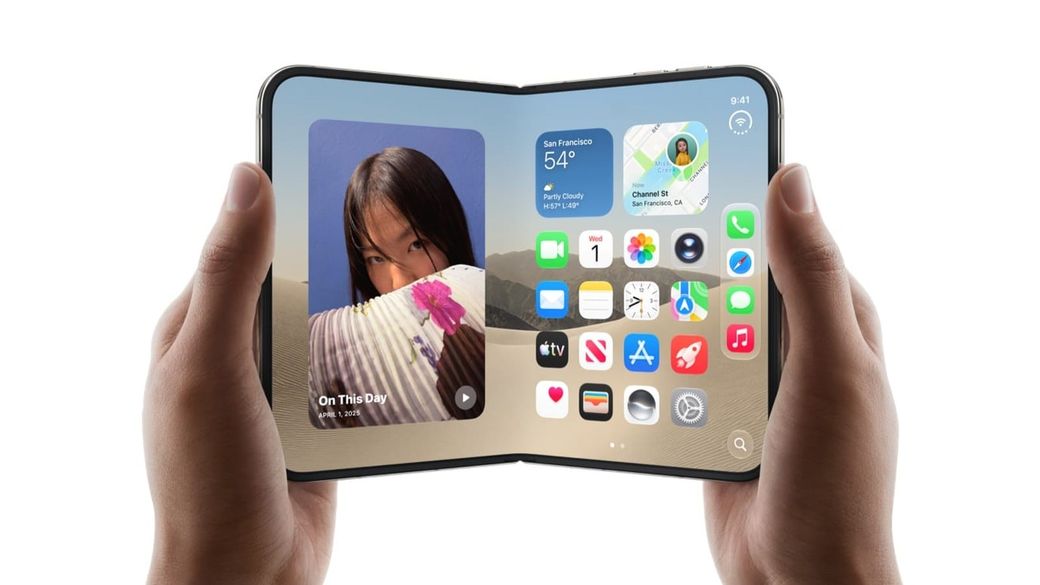
The Display Zoom setting is missing on iPhone Duo, so your setup choice is locked in. Apple Support reportedly says erase and start over.
The skim
- iPhone Duo owners say the Display Zoom setting is missing from Settings, so the screen size they picked during setup appears to be locked in.
- MacRumors confirmed the option is absent on iOS 27.2, and a forum member says an Apple Support senior advisor told them the only fix is to erase the phone and set it up again.
- Apple hasn't said whether it's a bug or a design choice. Text Size and Larger Text still work as a workaround.
What's going on
When you set up any recent iPhone, an Appearance screen asks how big you want things on screen. MacRumors says the choices are Default, Medium or Large. On other iPhones you can change your mind later under Settings > Appearance > Display Zoom, and Apple's own iOS 27 user guide still lists that path.
On iPhone Duo, the option isn't there. A Reddit user spotted it first, and MacRumors confirmed it on a Duo running iOS 27.2. A MacRumors forum member, earthdog, said a senior advisor at Apple Support told them the only way to change it is to erase the phone and go through setup again. The Mac Observer reported the same thing and noted it's unclear whether Apple left it out on purpose, perhaps because of how iOS lays out apps across the Duo's folding inner screen, or simply missed it.
MacRumors says it has asked Apple for comment. Apple hasn't responded publicly, so for now treat the "erase and start over" advice as one support conversation, not official policy.
Why it matters
Display Zoom isn't a niche setting. It makes icons, text and controls bigger across the whole system, and a lot of people pick it at setup without thinking much about it. On a $1,999 phone, discovering later that you're stuck with that choice, or that undoing it means wiping the device, is a real annoyance.
It also lands during a rough first month for Apple's first foldable. Apple told 9to5Mac last week: "We are aware of an issue impacting the inner display on a small number of iPhone Duo units. If users experience issues with their iPhone Duo display, they should contact AppleCare for a replacement." We covered the earlier durability test and iFixit's teardown. Bloomberg's Mark Gurman has reported that replacement stock is tight.
What to do if you own an iPhone Duo
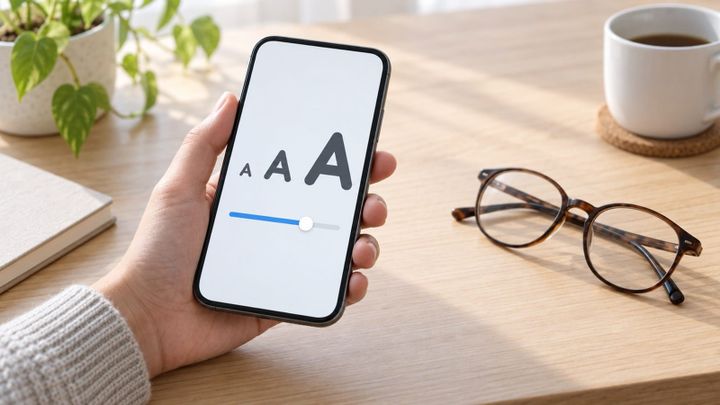
- Want things bigger? You don't need to erase anything. Go to Settings > Appearance > Text Size and drag the slider, or turn on Bold Text. For even larger sizes, use Settings > Accessibility > Display & Text Size > Larger Text. Our guide, how to make text and icons bigger on iPhone, walks through every option.
- Want the bigger icons and controls too? That's what Display Zoom does, and right now the only reported way to change it on Duo is to back up, erase and set up again. Wait for Apple to respond or ship an update before doing that.
- Setting up a new Duo? Choose the Appearance option carefully. You may not get a second chance in Settings.
Sources: MacRumors, The Mac Observer and Apple Support.