How to update Google Chrome on your computer, Android phone or iPhone
Step-by-step: check your Chrome version and install the latest update on Windows, Mac, Linux, Chromebook, Android, iPhone and iPad.

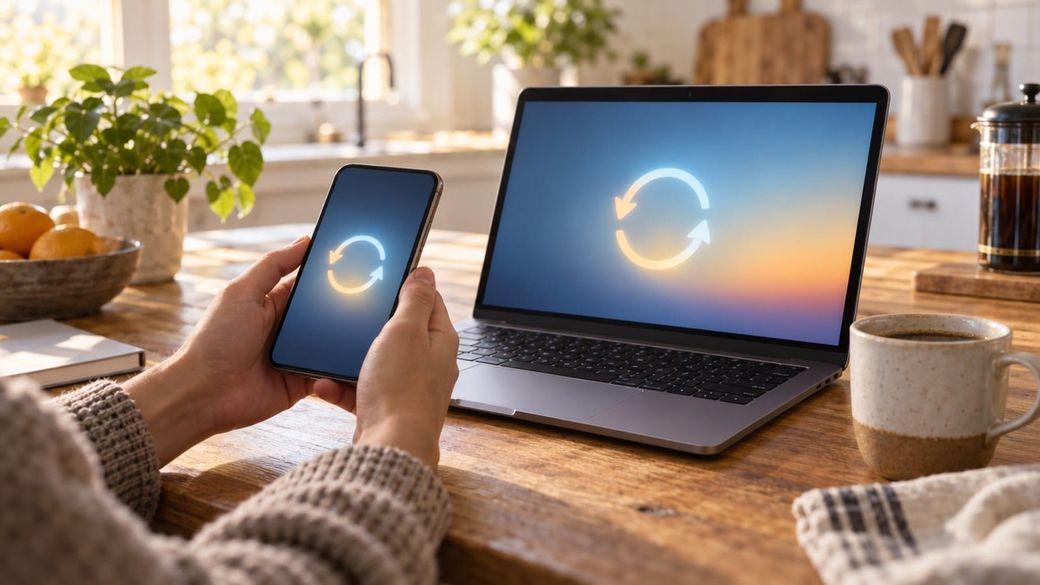
Quick answer: on a computer, open Chrome, select the three-dot More menu, then Help > About Google Chrome, wait for the check, and select Relaunch. On Android, update Chrome from the Play Store under Manage apps & device. On iPhone or iPad, update it from the App Store. If you can't find a Relaunch button on a computer, Google says you're already on the latest version.
The skim
- Why now: Google's Nov. 9 Chrome update fixes an XML flaw that it says is being exploited in attacks. On desktop, you want 157.0.8103.50 or later (.51 is also a fixed build on Windows and Mac).
- The catch: Chrome downloads updates in the background, but they don't take effect until you restart the browser.
- Chromebooks are different: Chrome updates come with ChromeOS, so you update the whole Chromebook instead.
Here's what the fix is for: Update Chrome now: Google patches an XML zero-day exploited in attacks.
Update Chrome on Windows, Mac or Linux
- Open Chrome on your computer.
- At the top right, select More (the three dots).
- Select Help > About Google Chrome. Chrome checks for updates as soon as this page opens.
- Look under the "Google Chrome" heading. That's your version number. To be protected from this week's exploited bug, it should read 157.0.8103.50 or higher. On Windows and Mac, .51 is also a fixed build.
- If you see Relaunch, select it. Chrome restarts and reopens your tabs and windows. Incognito windows don't come back, so save anything you need from them first.
If you select Not now, the update installs the next time you restart Chrome. Google's help page adds a few platform notes:
- Windows: close all Chrome windows and tabs, then open Chrome again to apply the update.
- Mac: if Chrome is installed in your Applications folder, the About Google Chrome page offers Automatically update Chrome for all users.
- Linux: update Chrome through your package manager.
Update Chrome on an Android phone or tablet
- Open the Play Store app.
- At the top right, tap your profile icon.
- Tap Manage apps & device.
- Under "Updates available," find Chrome.
- Tap Update next to Chrome.
To check your version, open Chrome and tap More > Settings > About Chrome. Google released Chrome 157.0.8103.50 for Android on Nov. 9 and said it would reach Google Play "over the next few days," so it may not show up for everyone yet. If Chrome isn't listed under updates, check again later. Current Chrome requires Android 10 or newer.
Update Chrome on an iPhone or iPad
- Open the App Store.
- At the top right, tap Profile.
- Scroll to "Available Updates" and look for Chrome.
- If Chrome is listed, tap Update. Enter your Apple ID password if asked.
Google says current Chrome requires iOS 18 or later. Google's Nov. 9 release notes list desktop and Android builds. They don't say whether Chrome on iPhone is affected by the exploited bug, so we're not claiming it is. Keeping it updated is still good practice, along with updating iOS itself (how to update your iPhone).
Update Chrome on a Chromebook
On a Chromebook, Chrome updates as part of ChromeOS. Select the time at the bottom right, then Settings. At the bottom left, select About ChromeOS, then Check for updates. When the "Update device" notification appears, select Restart. As of Tuesday morning, Google's Chrome Releases blog hadn't posted a ChromeOS Stable update listing the new XML fix. Its latest ChromeOS Stable post, from Nov. 6, is version 156. Check again over the next few days.
Troubleshooting
- No Relaunch button and an old version number: Google rolls updates out "over the coming days/weeks." Leave the About page open for a minute, then close and reopen Chrome completely.
- Work or school computer: your IT team may control updates or use the Extended Stable channel. Google's Extended Stable build 156.0.8078.96 includes the same exploited-bug fix. If you can't update, contact your administrator.
- Chromebook won't update: Google suggests restarting, switching to Wi-Fi or Ethernet instead of mobile data, and checking your device's automatic update expiration date under About ChromeOS > Additional details.
- Operating system too old: current Chrome won't install on unsupported systems. On a phone, that means older than Android 10 or iOS 18.
FAQ
Will I lose my tabs? No. Google says Chrome reopens your tabs and windows when it relaunches. The exception is Incognito windows.
Does Chrome update automatically? Yes, in the background, but the update only takes effect once Chrome restarts. If you rarely close your browser, checking manually is the fastest way to get protected.
Do Edge, Brave and Opera need updating too? They're built on Chromium, so check their own About pages this week. We haven't confirmed which of their builds include this fix.
Steps are from Google's official help pages, read Nov. 10, 2026. Skimwire did not perform these updates on test devices. Sources: Google Chrome Help: Update Google Chrome (computer, Android, iPhone & iPad); Chromebook Help: Update your Chromebook's operating system; Chrome Releases: Stable Channel Update for Desktop (Nov. 9, 2026); Chrome Releases blog.