1Password breach: Vaults are safe, but names and emails were taken. Watch for phishing
An attacker copied 1Password customer names, emails and account data, not vaults or passwords. Are you affected, and how to spot the phishing next.

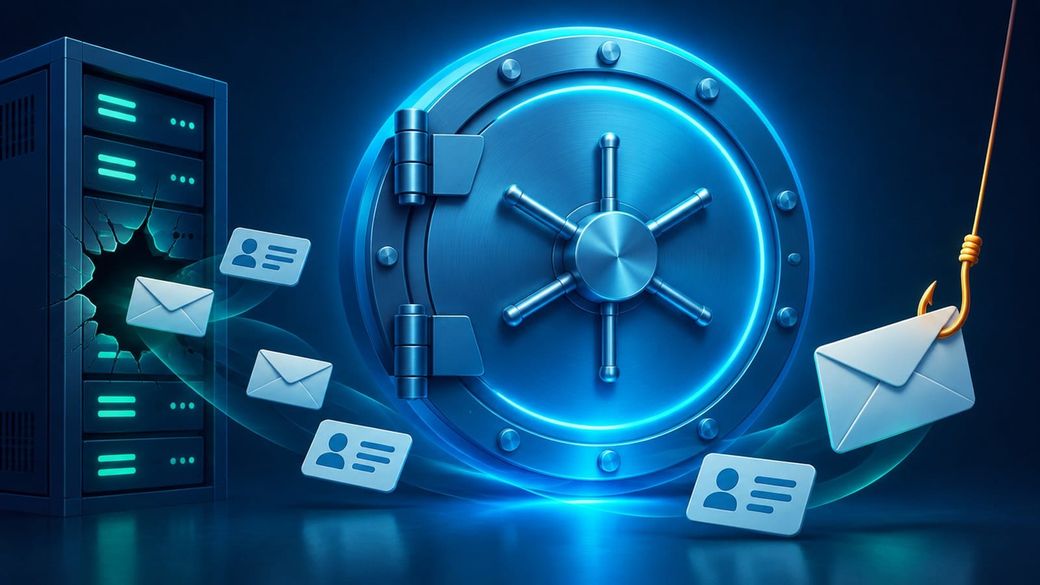
If you use 1Password, your passwords and vaults are safe, but your name and email may now be in an attacker's hands. In a Nov. 25 disclosure, 1Password said an attacker got into an employee's corporate GitHub account and copied account records for "a subset" of customers. The company says you don't need to change anything. The real risk now is phishing.
The skim
The 1Password breach exposed names, sign-in emails and account metadata for some customers, not vault contents, vault keys, account passwords or Secret Keys. 1Password says no account changes are needed. Expect fake 1Password emails, texts or calls, and only sign in through the app or a 1password.com address you type yourself.
What happened in the 1Password breach?
On Nov. 19, 1Password began investigating signs that an attacker had taken over an employee's corporate GitHub account. The attacker used it to push malicious code to backend services, which downloaded admin data about customers. It also copied private source code and reached 1Password's CI/CD build system. 1Password says it has rotated all credentials that may have been exposed.
Am I affected by the 1Password breach?
Possibly. 1Password hasn't said how many customers were affected, or whether it will notify all of them. It says it contacted the "small number" of users who had an invitation or account recovery in progress. Either way, assume scammers know your 1Password email.
What was taken, and what wasn't?
| Copied (subset of users) | Not affected, per 1Password |
|---|---|
| Names and sign-in email addresses | Vaults and the items in them |
| Account and user IDs, creation and last sign-in times | The keys that protect your vaults |
| Public keys and Secure Remote Password (SRP) parameters | Account password and Secret Key (1Password doesn't store them) |
| Tokens in some emailed invitation, provisioning and recovery links | Account recovery keys |
| Other non-secret internal metadata | 1Password apps and browser extensions |
The emailed-link tokens can't open an account alone; they also need an SSO sign-in or a code sent to your email. 1Password has lengthened that code from six digits to ten characters, and says it found no sign of accounts being taken over with the exposed tokens.
Why are 1Password vaults still safe?
1Password says it's designed so "a breach of our systems can't expose your vault contents." Vault data is end-to-end encrypted and protected by your account password and 128-bit Secret Key, neither of which 1Password stores, per its security model page. Its servers don't hold what's needed to unlock your vault.
What should I do now?
- Don't click 1Password links in emails or texts, and hang up on "1Password" calls you didn't request. Open the app, or type 1password.com yourself.
- Ignore invitation or account recovery emails you didn't start. If one shows up anyway, report it to support@1password.com.
- Never give your account password or Secret Key to anyone. 1Password says it will never ask for them. You only need your Secret Key when signing in on a new device or browser.
Optional hardening: turn on two-factor authentication (1Password.com > your name > Manage Account > More Actions > Manage Two-Factor Authentication) or add a hardware security key, so new devices need a second factor to sign in. Keep those codes in a separate authenticator app, not in 1Password.
Our take: what this means for you
This is a real breach, but the encryption design worked: the attacker got the envelope, not the contents. Verdict: no need to switch password managers. Stay alert to phishing and turn on 2FA. We'll update this post if 1Password adds details.
Related: how to set up passkeys, plus what to do after the Chase vendor breach and the Notion AI breach. More is on our Security hub.
FAQ
Do I need to change my 1Password account password?
1Password says no. Your account password and Secret Key weren't stored on its servers, so they weren't taken.
Were my saved passwords stolen in the 1Password breach?
No. 1Password says vaults, their items and vault keys weren't accessed.
How many 1Password users were affected?
1Password hasn't said. It describes the affected group only as "a subset" of customers.
How do I report a suspicious 1Password email?
Send it to support@1password.com, and don't click its links.
How we checked: 1Password's Nov. 25, 2026 incident post and its support pages on the security model, Secret Key and two-factor authentication, read around 11:40 a.m. MT on Nov. 25. Its status page showed all systems operational. We haven't independently verified 1Password's findings.